

What the CRA Actually Requires for Receipt Records (and How Scanning Covers You)

All provinces in Canada
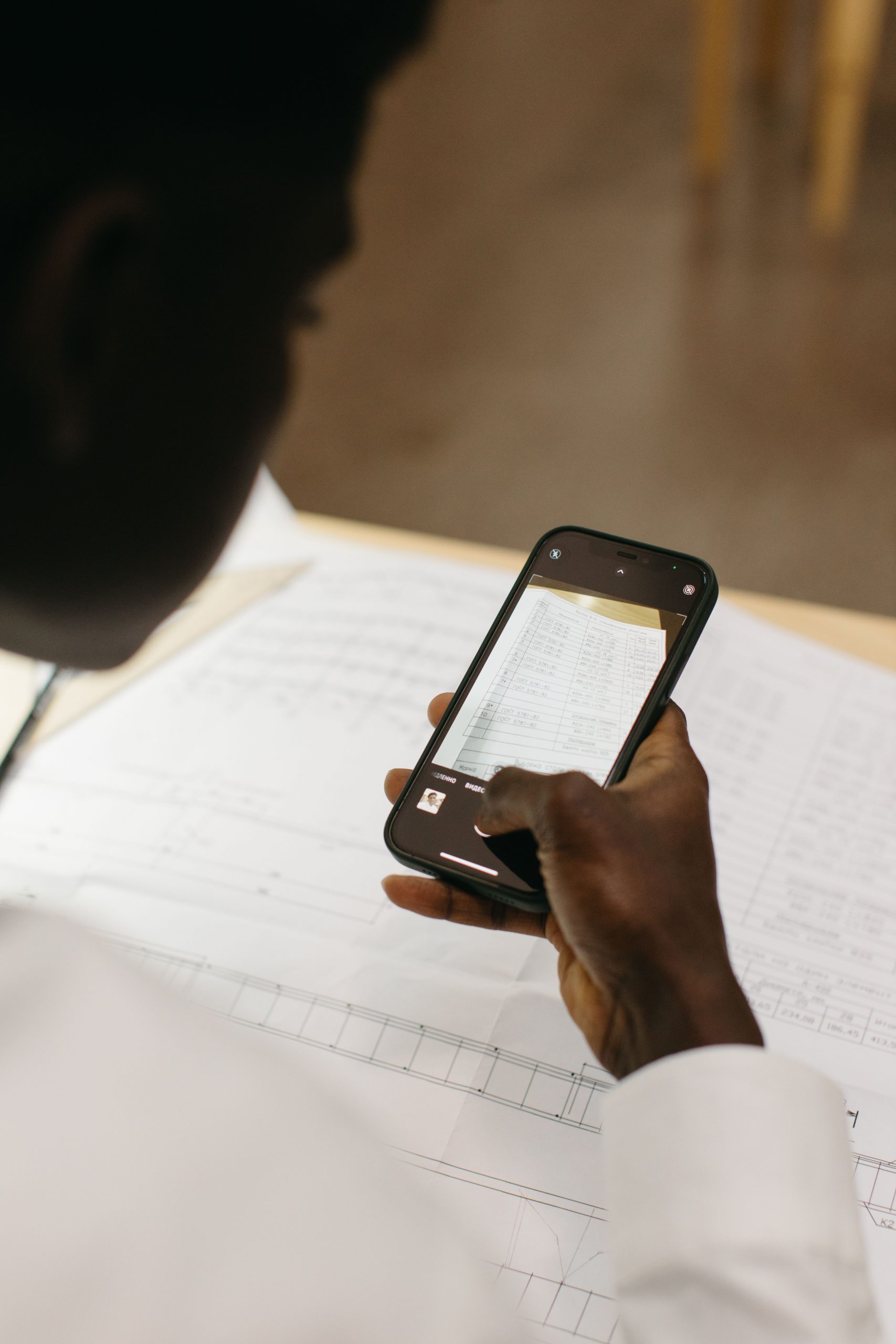
Most small business owners know they should keep receipts. The problem isn’t awareness — it’s the pile accumulating in a drawer, a bag, a phone camera roll, and three email folders between January and December. Here’s what the CRA actually expects, in plain language.
The four things every receipt must prove
When the CRA reviews your business expenses, it’s looking for records that confirm four things: who you paid, how much you paid, when you paid it, and why it was a business expense. A receipt showing all four is all you need.
That covers the obvious — retail receipts, supplier invoices, contractor bills. It also covers the things people forget: bank and credit card statements work as backup but aren’t sufficient on their own. Mileage logs back up vehicle claims. And for meal and entertainment expenses (deductible at 50%), the CRA recommends noting who you met and the business purpose — a quick note attached to the receipt does the job. Those same receipts also support your GST/HST reporting, because every input tax credit you claim starts with a receipt like these.
Six years — and where the clock starts
The general rule: keep all business records and supporting documents for six years from the end of the last tax year they relate to. For a sole proprietor on a calendar year, receipts behind your 2025 return stay until December 31, 2031.
A few situations change the clock:
- Filed late? Six years from the date you filed that return.
- Objection or appeal open? Keep everything until it’s resolved, the appeal window closes, or the six years end — whichever is latest.
- Long-term assets? Purchase documents for property or equipment you’re depreciating relate to every year you claim them. Keep them for the life of the asset plus six years.
- Want to shred early? You need the CRA’s written permission first (Form T137). Destroying records early without permission can lead to prosecution.
Yes, scans count — with one condition
Digital records are fully accepted. A clear scan or photo of a paper receipt is a valid record, and once properly imaged, the digital version becomes the permanent record — you can destroy the paper.
The condition: the image must be an accurate reproduction. Same information, nothing obscured or cut off. A phone photo taken at an angle in bad light with glare across the total is the kind of thing that fails. The habit that matters: check each scan at full size before the original goes in the recycling. Five seconds then beats a lost deduction later.
Thermal paper fades — sometimes within months. That alone is reason to scan receipts the day you get them rather than “when you get around to it.”
The system that survives an audit
You don’t need a filing cabinet. You need three habits:
- Capture immediately. Scan every business receipt the day it lands in your hand. Same-day capture is the whole game.
- Organize by meaning, not by month. Tags and categories — meals, fuel, supplies, subcontractors — beat chronological folders when the CRA asks about one specific line.
- Export before you need it. When your accountant asks for the year’s records, or a review letter arrives, you want a clean export in minutes — not a weekend of sorting.
How Lemon fits
Lemon’s receipt scanner with OCR captures the who, how much, and when automatically — you add the why with a tag. Everything stays searchable and exportable, which is exactly what the six-year rule demands: records you can actually produce, years later, in minutes. No shoebox required. It helps even more when you are separating business and personal spending from the moment each receipt arrives.
This article is general information, not tax advice. For your specific situation, talk to an accountant.
Download Lemon free on the App Store or Google Play — scan every receipt with OCR and keep six years of records without a filing cabinet.



About this author
Contribute your article